
The large amount of data we share every time we use the Internet is far from being a secret, and specifically Google can know a lot about us among other activities, through our search history.
This data, according to the internet giant, can include the terms searched for, the links with which we interact, as well as other information, including the location from which the query was made on its platform. Although to a large extent this data improves the browsing experience, for many it is a source of concern.
What is it about?
Although Google allowed us to review search history data and delete those that we did not want to share, until now the best way to do so was through the Google account settings: a whole a process that used to be tedious and complicated and that many users never completed.
But now reviewing your search history will be much easier, since the controls will be found directly in the Google search platform: "you will be able to review or delete your search activity and quickly find what you were looking for again" Google assures in its statement.
"Data Transfer Project: Google, Facebook, Twitter and Microsoft come together to achieve universal portability of your data"
How to enter?
To access your search data, go to the following link:
Features
Additionally In addition to controlling your search history, you can also manage other personal data that are relevant to searches, for example, controlling the configuration of the ads that are presented in the search engine as well as choosing the information that Google can save in its activity controls.
This new option will be available from now on in the desktop and web version of the search engine, while in the coming weeks it will also be deployed in the Google mobile app for iOS and Android.
How to review your personal data from the browser?
Google is taking the security of its users' data very seriously, and now more than ever after it became known that an error in the Google+ security system leaked the personal data of around 500,000 users.
This is why this effort will not only be limited to the search engine, as assured by Eric Miraglia, director of product management, privacy and data protection at Google on its official blog: "Next year, we will expand this to Google Maps, followed by many other Google products. Having access to relevant and actionable privacy controls directly from the Google products you use every day is just one of the ways we continually work to create privacy that works for everyone. select "Your data in Search", and even directly click on the "Control your data in Google search" option that appears on the search engine's main page.
Once inside the settings you will be able to review and edit your search history, and control your web, application, voice and audio activity and ad personalization, in addition to access more options in order to manage your data personal.
You have control
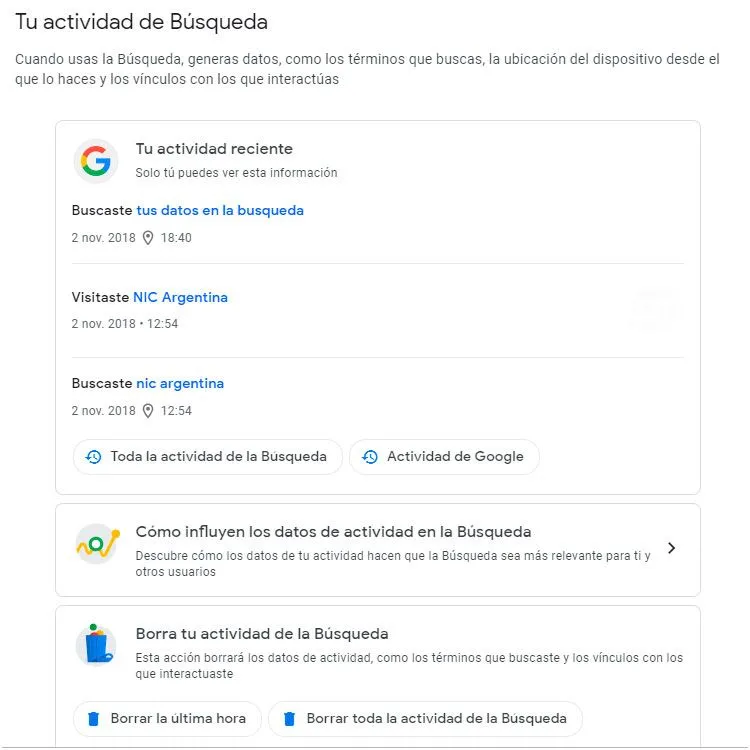
You manage your own Search activity
In this section, the latest searches you performed in the Google search engine, the latest news and pages you visited appear. The information is ordered by date and time of the activity, that is, by the most recent action you had in the browser. This new Google tool allows you to manage, remember and delete the activities you have done recently. The information may be viewed personally and uniquely by the owner of the Google account.
"In order to obtain the search results provided by Google, it is worth remembering that the search engine must be synchronized with the Google or Gmail account to be able to collect the information."
Control your actions
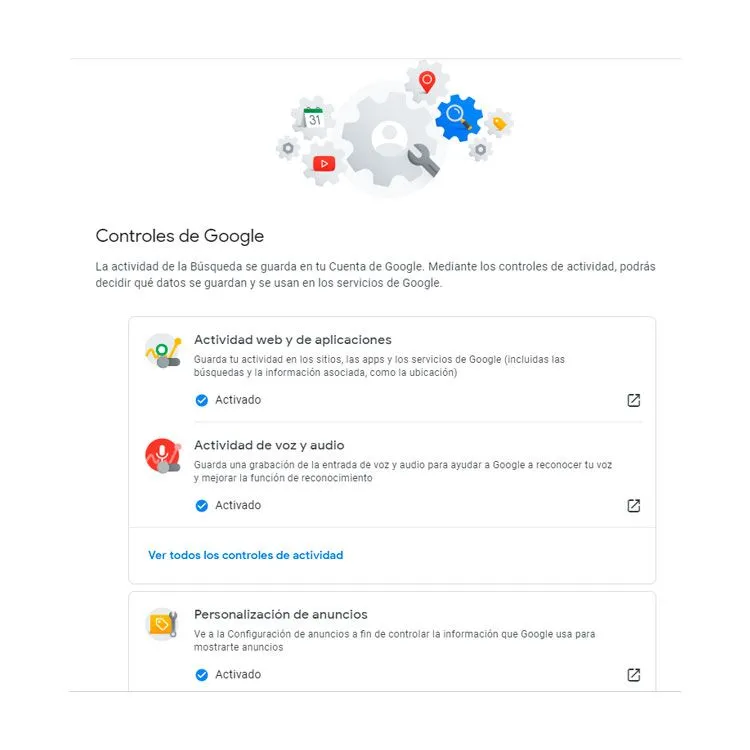
It is used to decide what data is saved and used in Google services
This feature allows you to manage what data you want to be saved in your history and what data you don't. In a way, it generates more control of your own activity and allows the management of the activity information that you want Google to associate with your account.
Operation
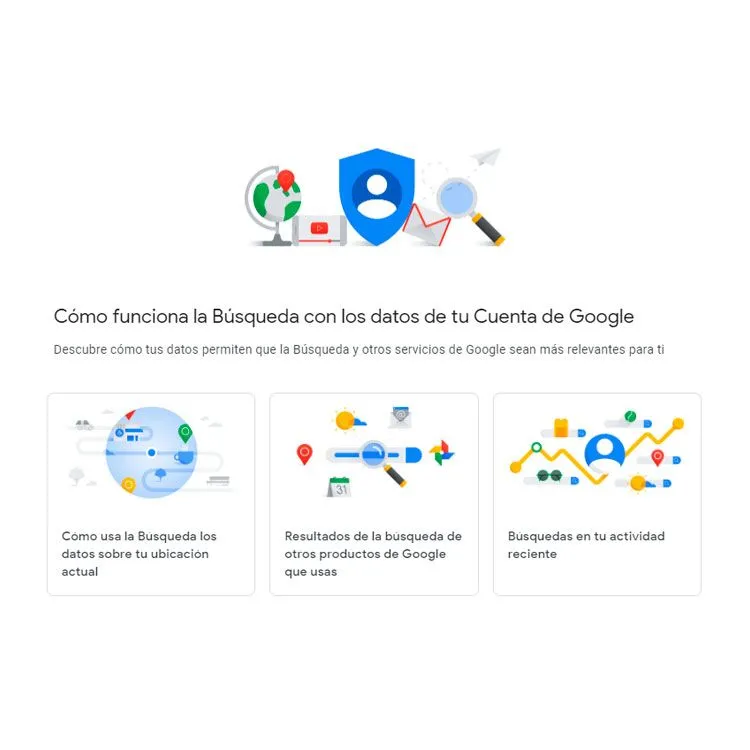
Brief explanation of how Google search history works
These vignettes briefly explain the function of the application and allow you to understand your own history, allowing you to correctly manage the searches or interests you have daily.
Privacy
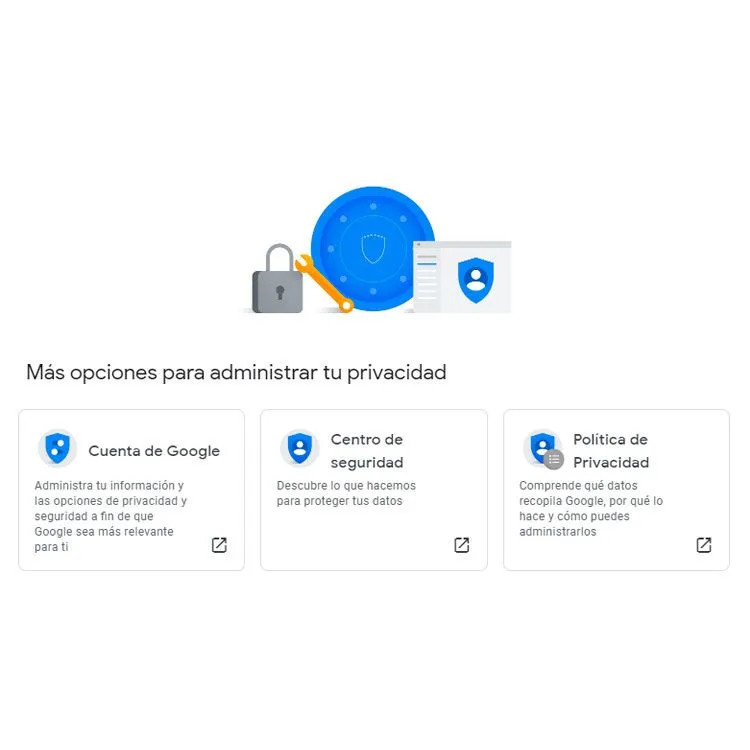
Privacy is managed by yourselves
To increase the level of privacy and security, Google provides tools so that your personal information cannot be used or leaked on the web.
Updated on: 02/11/2018 00:00:00

Hosting y Dominios
Ofrecemos soluciones de alojamiento web de alta performance, seguros y confiables para que tu sitio web o sistema esté siempre disponible.