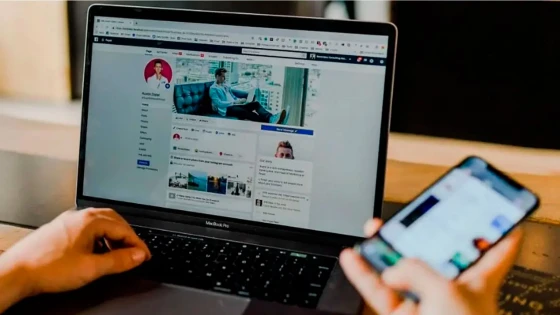
As several of my clients have requested instructions or help regarding the subject, we are going to do a small tutorial on how to convert or migrate the Facebook profile to a Fan-Page, also called a Facebook Page.
First of all we are going to give some reasons why companies should have a Fan Page and not a profile on Facebook. There are 4 basic rules:
- Limit of Followers: The profile has a limit of followers, at the moment up to 5,000. Once you reach the number 5000 you are sure that your publications will be seen directly by that number of followers and no one else, however the company or fan page has no limit of followers.
- Interconnection: If you have a profile you cannot add what are called widgets or plugins to your website. For example: The "Like" button or the Time Line, the latter being responsible for showing all the activity you have carried out on Facebook, and many other applications that this social network has.
- Do not generate Confusion: If the profile is maintained, many followers of your company can be confused, the profiles represent individuals, people, managers and must show an individual name, while the pages allow an organization or company to have a professional presence on Facebook.
- By rules: The Facebook's instruction manual clarifies perfectly what the difference is between companies and people.
But let's move on to the step-by-step tutorial:
- Enter http://www.facebook.com/
- Enter your Facebook username and password, so far your profile.
- Once you have entered your profile, do click on the following link: click here (a new window will open in your browser)
- A new window will appear containing 6 options to choose from, you can look at the image of this article that will guide you. The second option is generally the most used but choose what best represents your company, so in this example let's choose: "Company, organization or institution" by clicking on it.
- A small form will appear in which we must select the category to which the company belongs, write the name of the company and of course read the conditions imposed by Facebook for its creation.
- Click on the start button.
- A new window will appear explaining to us that this process is irreversible and if we want to make a copy of our profile. What happens? Well it's easy, Facebook will transform your friends into fans or likes, this is the positive part, but it will also lose all the posts (activity or publications) you have made. If we put both processes on the balance, it is convenient to obtain the fans.
- And finally we confirm by entering the profile password and confirm the migration.
- Facebook converted your profile into a fan page.
Important:
If just in case you want to make a copy of your profile before the migration, you can do so in the following way:
- Enter your Facebook profile by entering your email and the corresponding password.
- At the top, next to your photo and the Home button there is a down arrow, click and choose "Account Settings".
- Within Account Settings, in the left sector there is a categorized menu, make sure that the "General" option is selected (bold)
- In the middle window where your profile name, email username and other information appears, at the end there is a link that says "Download a copy of your information".
- Click and follow the instructions.
It is relatively simple so you should have no problems, I hope you like it and leave your comments about it.
Source of Information: Lionel Pairuna