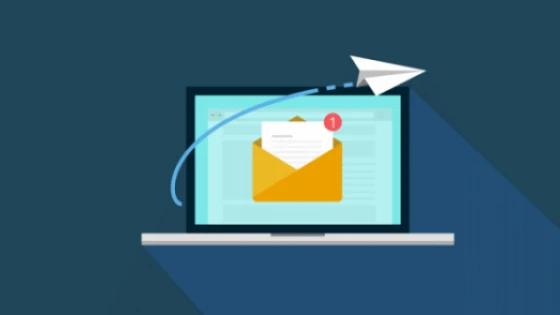
Here are 10 tips to achieve a good newsletter campaign:
- Known sender: Use an email address and a sender that is easily recognized by the recipient. Preferably it contains the name of your company: nombre@empresa.com.ar
- Fixed Frequency: Maintain a fixed frequency, known by the subscribed recipients. If you send weekly messages, avoid starting to send them daily, as it will cause inconvenience.
- Unsubscribe link: If the recipient does not quickly find a way to stop receiving your emails, they will choose to mark it as spam.
- Clarity: Create a clear message that perfectly interprets the content of the email, avoid excessive decorative text, the use of words in capital letters and repeated exclamation points.
- Code: Discard the idea of including flash, animated gifs, javascript, ActiveX controls or video within a newsletter. The code should be pure HTML, without CSS, as primitive as possible.
- Images: Creating your email only with images is a mistake. Many email companies such as Hotmail block images by default; if the recipient cannot read what the email is about, they will delete it or mark it as spam. Build your email by combining images with html text.
- Ornaments: To show animations or videos, use links to external pages, preferably from your website, avoid including them in the body of the email.
- Colors: Avoid using too strong colors applied to the text or background, contrasts should be gradual, it is proven that pastel colors make a better impression.
- Look for a specialist: A web designer will develop your clean code for you. and it will optimize the images by reducing their weight, do not expose your campaign or your company to amateurs, your recipients will thank you.
- Test: Once you have finished your email, test sending it to your email accounts or those of your friends, and verify that the email looks good in all cases. Avoid being embarrassed.
Source of Information: Lionel Pairuna