There is no doubt that WhatsApp is one of the most important applications in the world for users. Currently, it turns out to be common to ask someone for WhatsApp instead of directly referring to their phone number.
Of course, spending so many hours chatting on WhatsApp generates large amounts of information and data on each person's cell phone, mainly with photos, videos, GIFs and other documents.
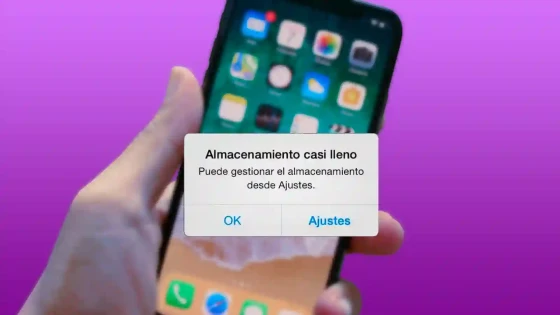
This data generates a problem in the storage of our smartphone, something that usually happens very often and is quite irritating. Here we show you how to save yourself the trouble with the following technique.
Forget about storage problems
Having a phone with less than 128 GB of internal storage can cause space problems on the device and annoy the user, since 64 or 32 GB are usually insufficient to keep up with the large number of photos and videos that we receive every day.
On more than one occasion, surely You were surprised to see the number of WhatsApp videos and images that are in your gallery and that end up filling your memory. However, there is a little trick to prevent them from downloading automatically. If you have an Android mobile you should do the following:
On Android:
- Open WhatsApp and click on the three dot symbol located in the upper right area.
- Enter "Settings" and then on "Data and storage".
- Click on "Download with mobile data", uncheck all the options and click "Ok".
- Repeat the process in "Download with WiFi".
If you have followed the steps correctly, every time they send you a photo or video you will have to download it manually. This way, you will prevent everything they send in groups from ending up in your gallery even if you haven't even seen it.
On iPhone:
If you have an iPhone, the process to follow is practically the same. You will have to do the following:
- Open WhatsApp and go to the "Settings" section (lower right area).
- Go to the "Data and storage" section and look at the "Automatic file download" section.
- Click on "Photos" and "Videos" and select the option "Never".
As with Android phones, now you will have to manually download the files you want, which will make it easier for you to have a cleaner gallery with only what interests you.
Updated on: 03/09/2020 00:00:00