At the beginning of October, the iOS version added the ability to mark messages as favorites using a star. The function is ideal, for example, when in a group conversation to set up an outing it is necessary to quickly find the address of where the meeting will be held.
Favorite messages also work for conversations between two contacts.
How to mark a conversation as a favorite?
Within the chat, whether group or individual, you must press and hold the message to which you want to add the star. When the menu appears on the screen, the appropriate option will be displayed.
To view favorite messages
You must access the conversation and then the contact information by clicking on their photo. A series of options will appear below, including Featured Messages. This is where your favorites will be grouped.
To remove a chat from favorites
Find the message and hold it. In the menu you have to choose the star.
Sending files
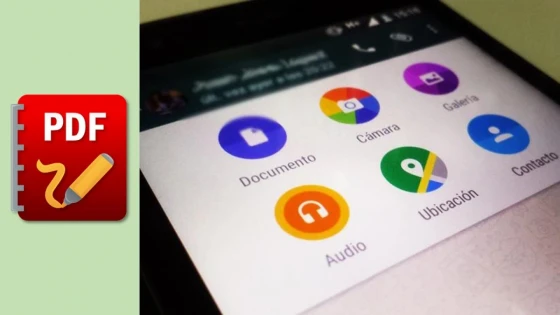
Another option that WhatsApp for Android will add in the update is the possibility of sending Word and PDF documents, a highly requested feature, especially in work environments.
Files of this type will be stored in new folders so that they can later be found easily by the user.
The WhatsApp update for Android will reach all users gradually in the next few hours.
Updated on: 05/11/2015 00:00:00
Source of Information: Infobae Tecno

Sistemas a medida y Automatizaciones
Desarrollamos sistemas a medida que automatizan procesos, mejoran la gestión y te permiten escalar tu negocio con soluciones ágiles y flexibles.