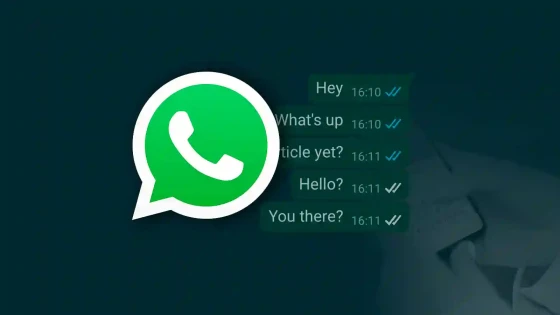
WhatsApp, the most widely used instant messaging service, now allows you to activate or deactivate message reading verification (double blue tick). Let us remember that this functionality was introduced at the beginning of the month and was highly questioned by a large part of the users.
The double blue checkmark is shown to the sender of a message, once the receiver received it and it was also read, just as it exists in other software with similar characteristics. Faced with criticism from a large number of users, who alleged that this functionality affected their privacy, WhatsApp managers decided to implement an option that allows the user to activate or deactivate said functionality.
Step by step
To enable or disable the double blue tick, follow the instructions below:
- Enter WhatsApp
- In the options context menu, click on Settings
- Press Account Information
- Press Privacy
- Check or remove check mark in Read Confirmation.
As you can see, enabling or disabling it is quite simple. What you should evaluate, according to your activity or profession, is whether or not it's convenient to do so.
Personally, I prefer to leave it checked; I consider it important for the sender to know when the receiver received the message, but as I mentioned before, it's up to each individual.

Sistemas a medida y Automatizaciones
Desarrollamos sistemas a medida que automatizan procesos, mejoran la gestión y te permiten escalar tu negocio con soluciones ágiles y flexibles.