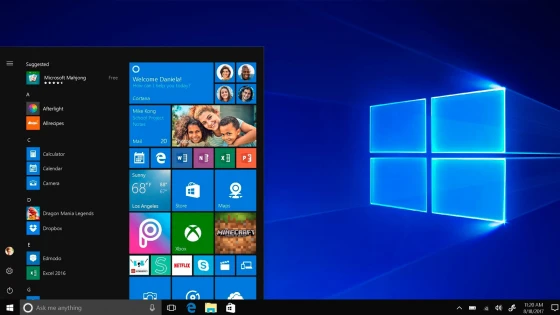
The renewed platform will be available from July 29 for free download for one year for those users who have Windows 7 or Windows 8 installed on their computers, and here we tell you about its most notable features.
The start menu is back!
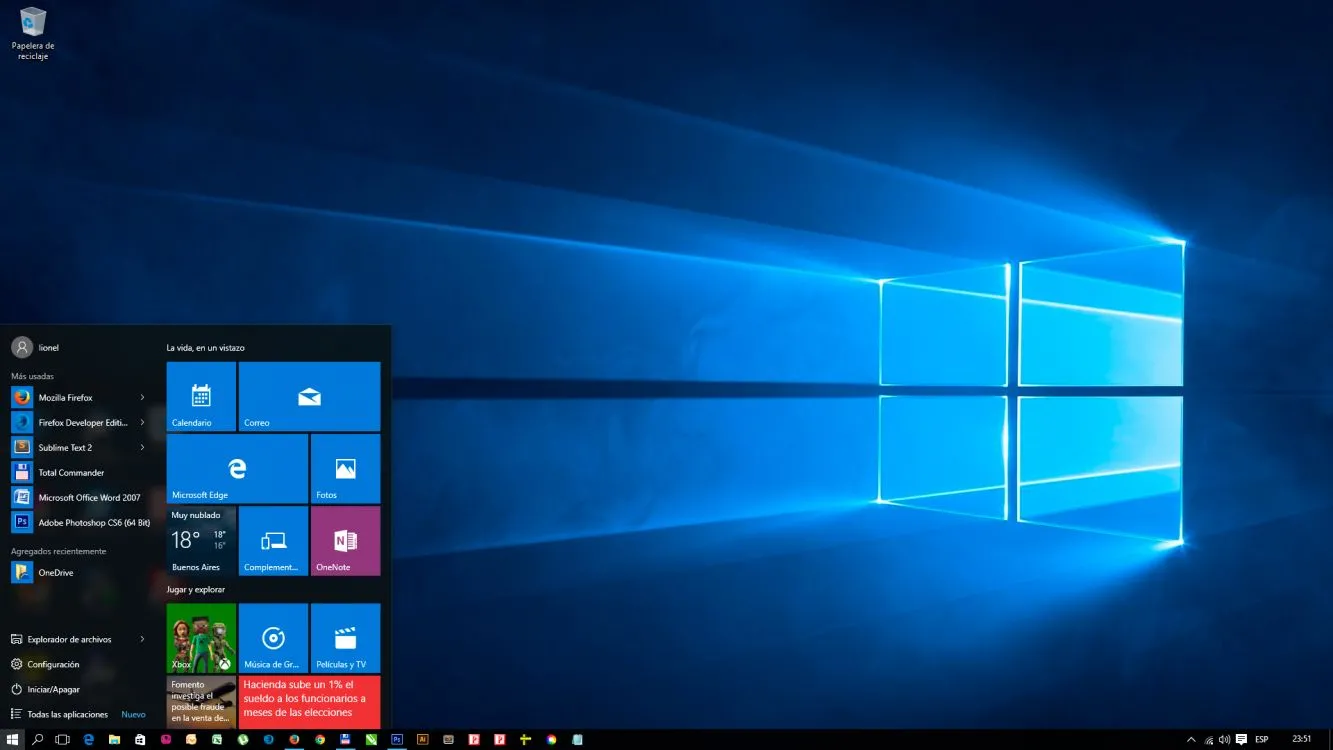
One of the things that users asked for the most was the return of this button as it once was in Windows 7.
This was partly solved in Windows 8.1, but the button directed directly to the tile menu or also called Metro in the early days of W8. Some third-party applications also appeared to solve this need. In 10 the start menu unifies applications, settings, browsing folders and shutting down the system. All without having to change your desktop.
One app for everyone
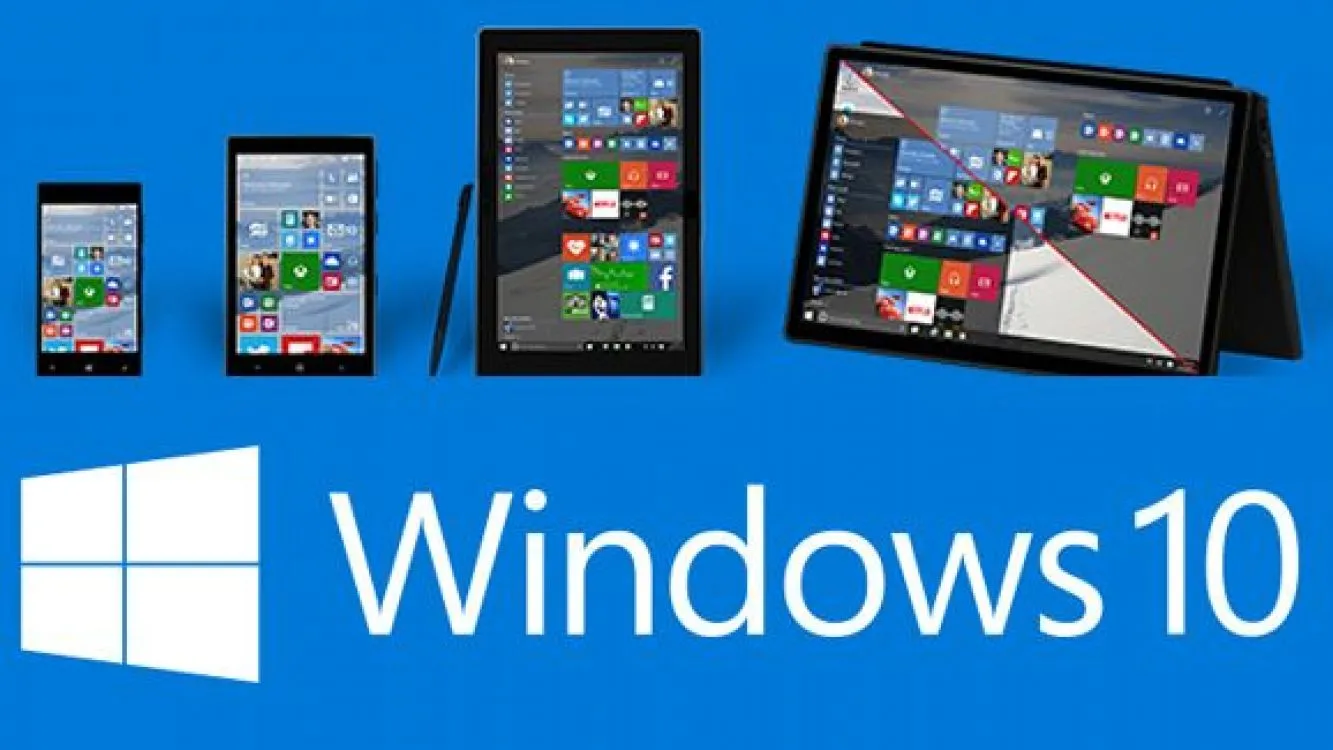
For this stage of Windows 10, Microsoft chose a model that works for all devices, from a Smartphone to a PC.
For this reason, the applications are always the same no matter the device. This, of course, aims not only to simplify and familiarize users with the apps no matter what device they use, but also so that developers can find a model that helps them simplify their processes and profits.
Assisted Snap
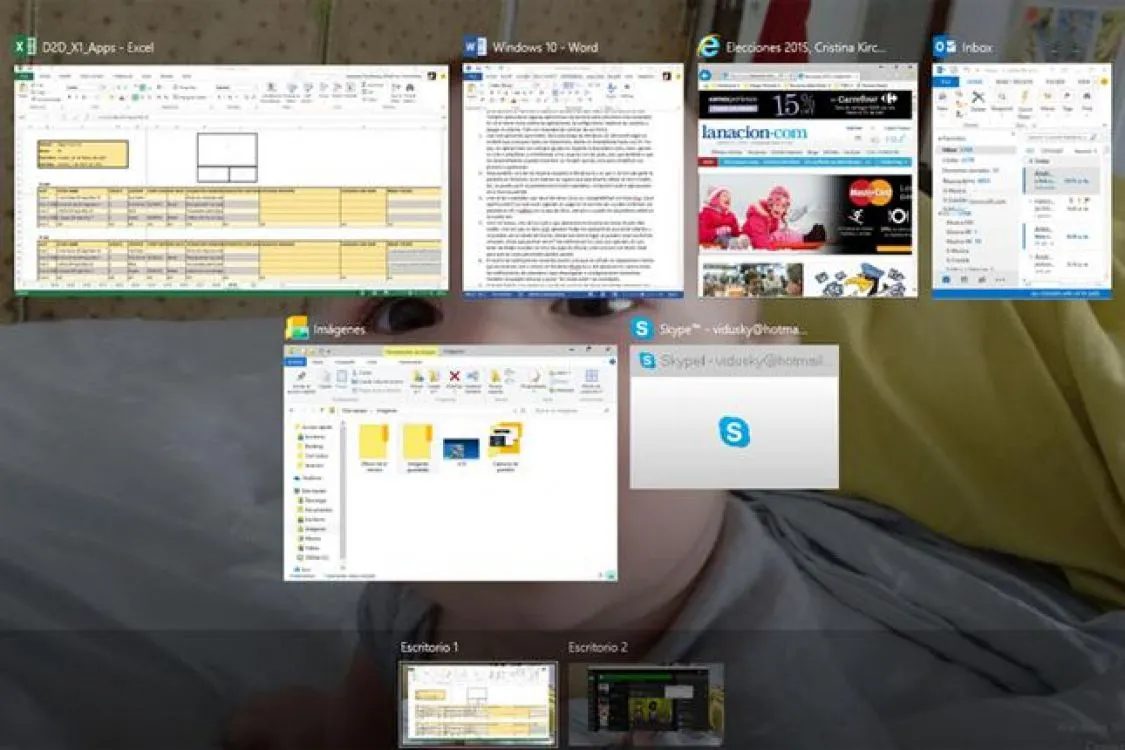
One of the improvements compared to Windows 8.1 is that when it comes to opening the screen, in Windows 10 the system suggests which open app to use on the other side. Thus, the desktop can be divided into up to 4 apps.
Compatible with Xbox One
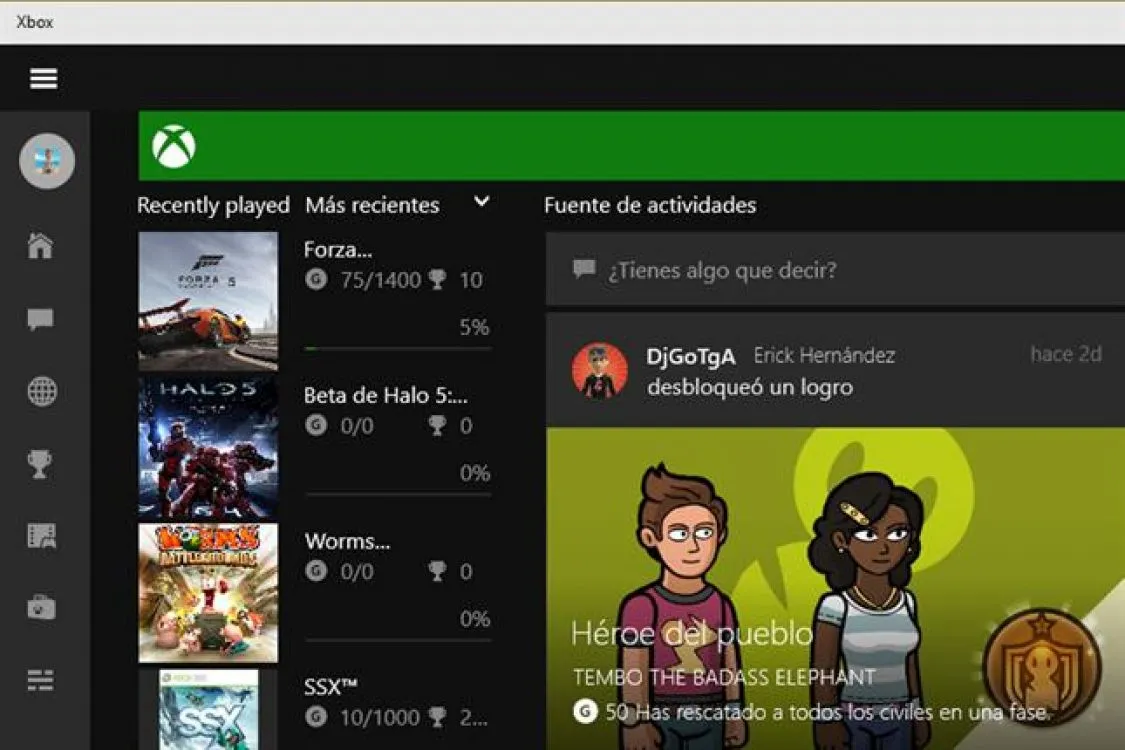
One of the new features of Windows 10 is its compatibility with Xbox One games.
What does this mean? Those who are playing a game on the console will be able to continue their games on PC or tablets with the Xbox app, as long as the devices are on the same network. Soon, Microsoft will show how universal apps will also work on the console.
Virtual views and desktops
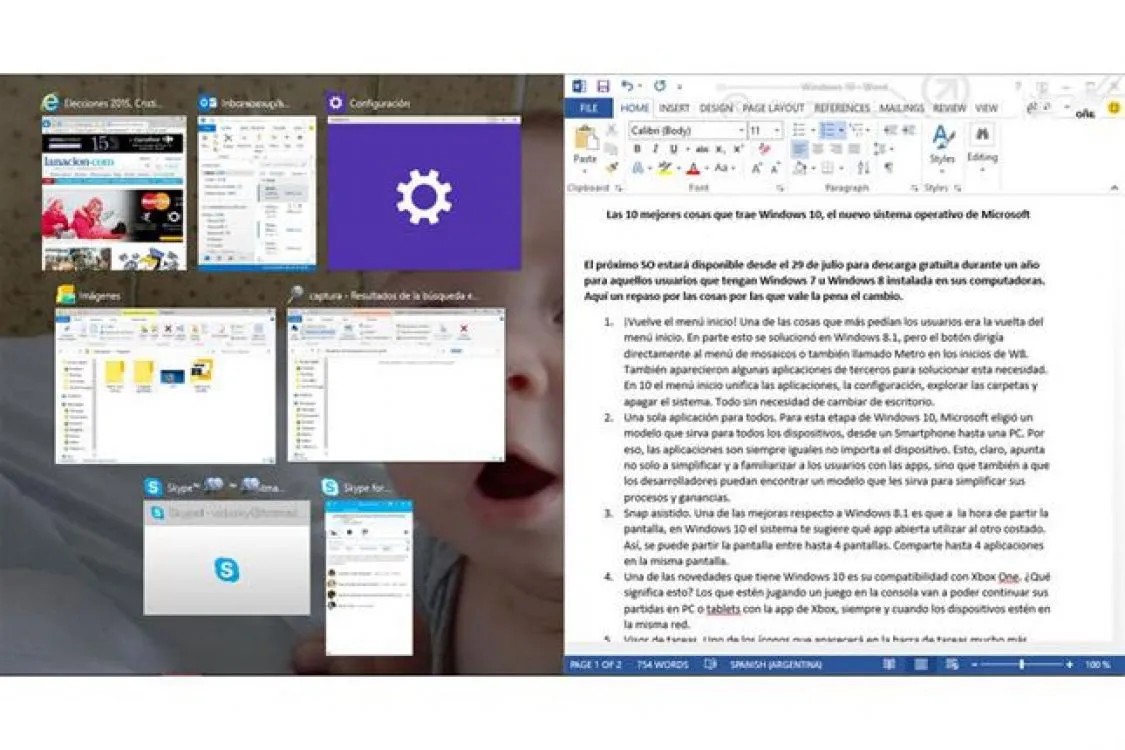
One of the icons that appear on the taskbar next to the start button will be the Task View.
Once you click there, all the applications that are open will appear and can be closed from that place. From that same environment you can create virtual desktops. What could they be used for?
To differentiate the uses: for example, in one have Social Networks; in another, office apps, such as Excel or Word. Ideal so that work does not mix with personal issues.
Notification Center
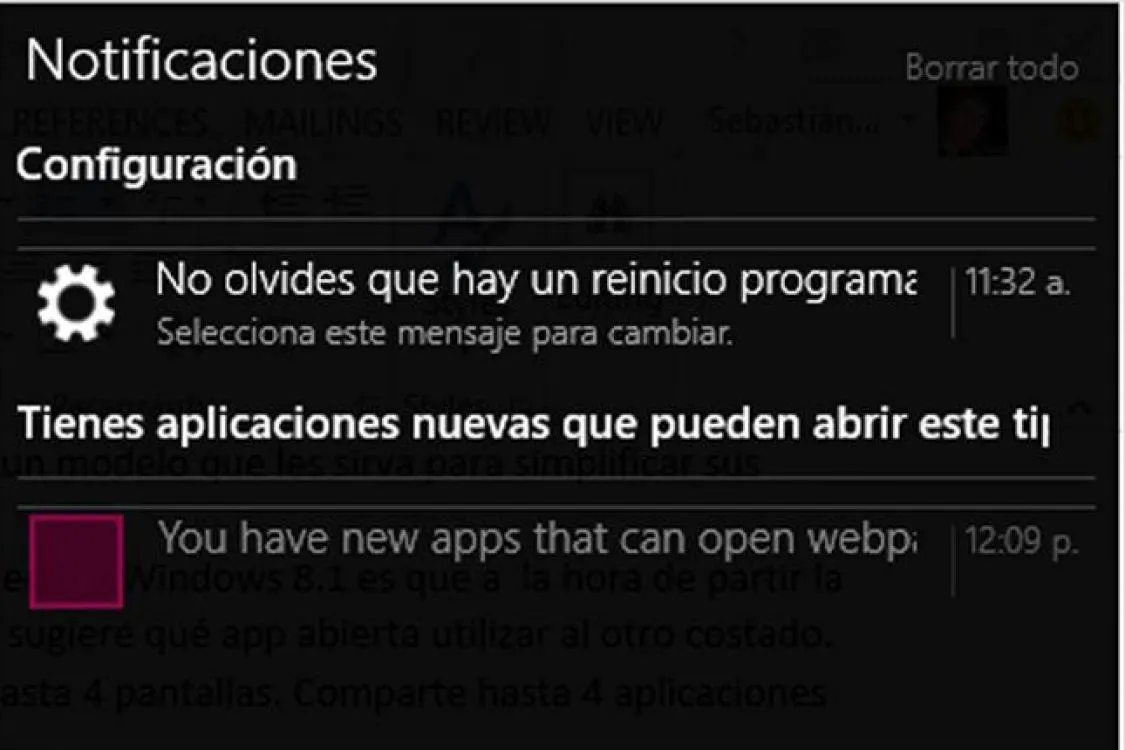
It is very reminiscent of those used on mobile devices (be it Android, iOS or even Windows Phone 8.1).
New emails, calendar notifications, downloaded apps or necessary configurations appear there. You can also silence the news and put it in "quiet mode" so that it does not bother you at certain times.
Tablet mode
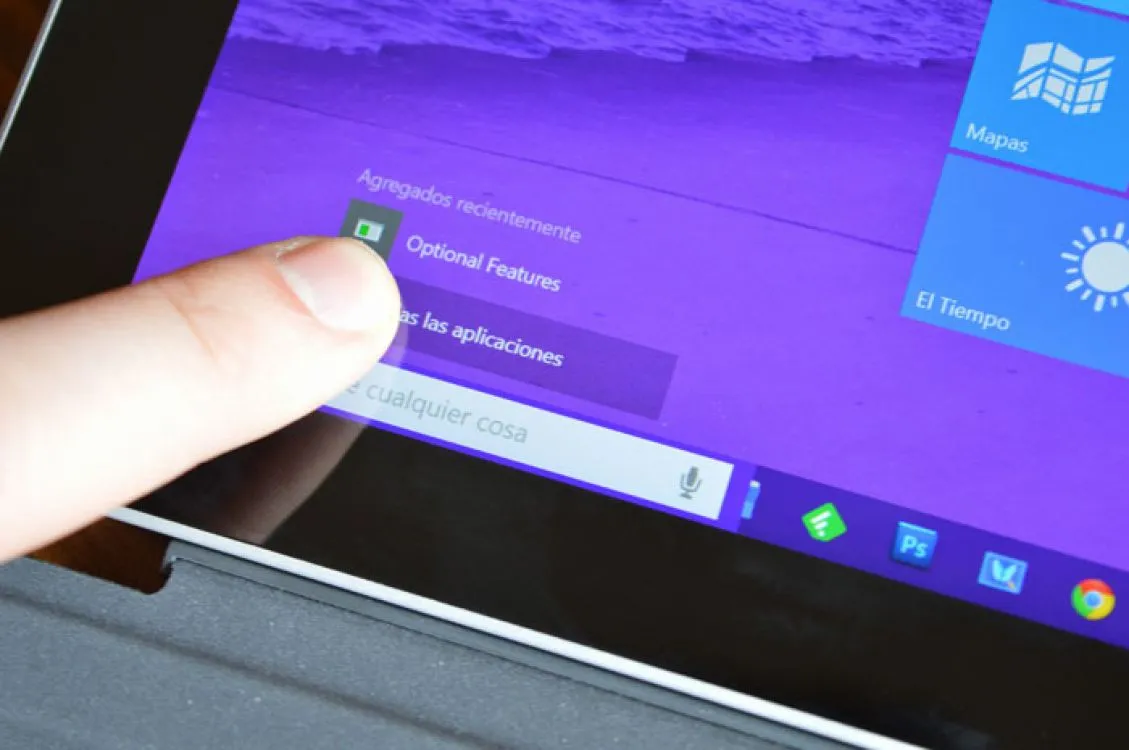
This option is one of the advantages of having an operating system that is universal.
On 2-in-1 computers, when you remove the keyboard screen, the icons are enlarged to make them more comfortable for touch and the mosaic desktop appears (the one that was born in Windows 8.1). The apps also adapt to the new screen.
New Windows Edge browser

Windows 10 will be the end of the historic Internet Explorer browser. The replacement will be Microsoft Edge
It promises to be faster. Among its features, it brings with it a reading mode that eliminates advertisements and the rest of the content that is not text, and allows annotations on the pages, highlighting content, highlighting and sharing it on social networks.
Built-in antivirus with Windows Defender
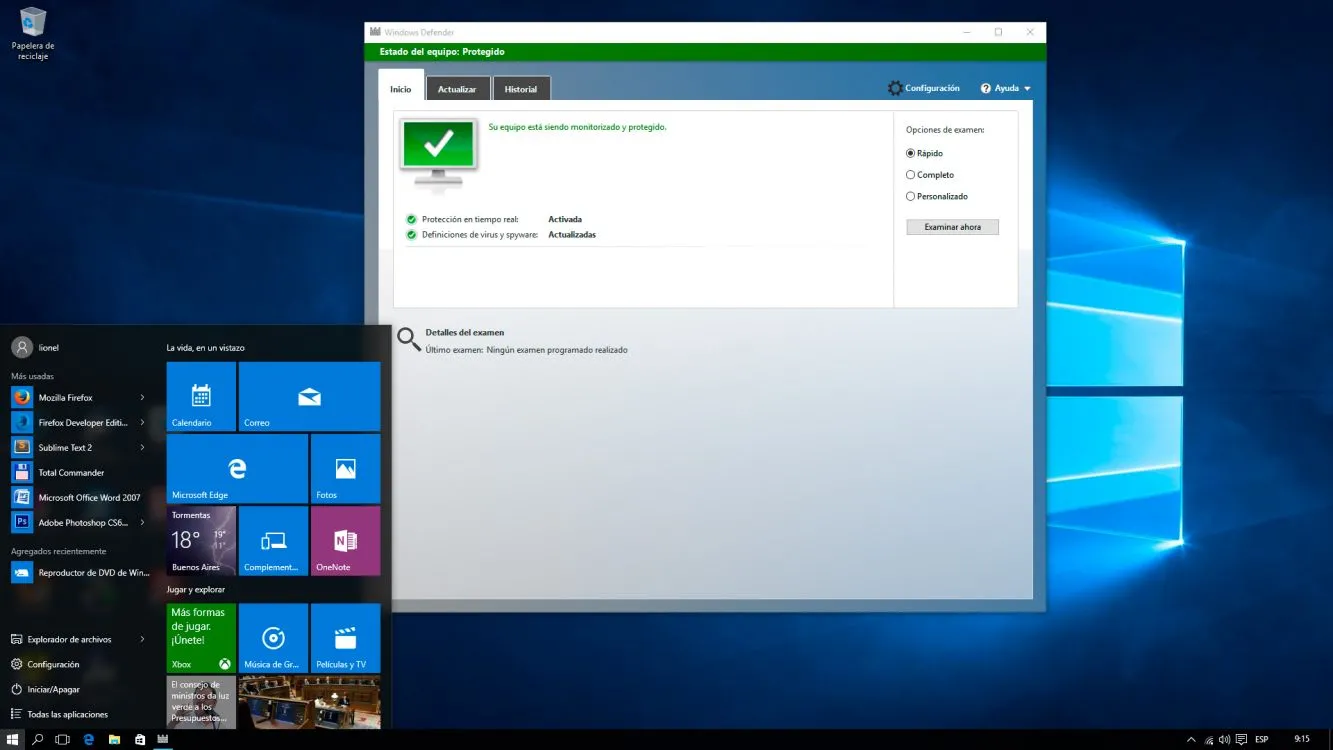
One of the first things users did when they got a new PC was install an antivirus. In this case, Windows 10 comes with Windows Defender pre-installed.
Requirements
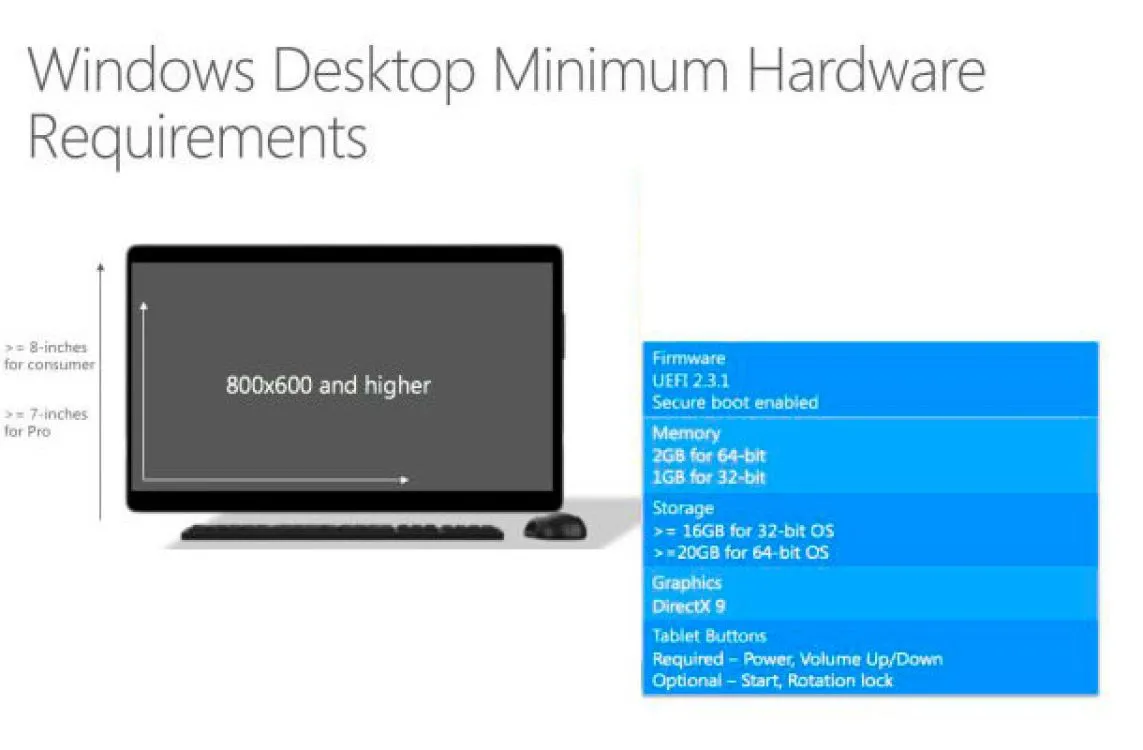
Unlike what happened in other operating systems (especially the transition from XP to Vista), the characteristics of the computer should not change to upgrade to Windows 10.
They are the same ones that were necessary for Windows 7, that is: 1GB of RAM, 16GB of space for the 32-bit version and 32GB for the 64-bit version.
In a few hours, millions of computers will receive their Windows 10 update. The rollout will be gradual, so don't worry if the announcement appears and your device doesn't notify you that you can install it yet.
In this first stage, downloading Windows 10 is expected to be free for most of these computers.
Updated on: 30/07/2015 00:00:00
Source of Information: La Nación Tecnología
Sistemas a medida y Automatizaciones
Desarrollamos sistemas a medida que automatizan procesos, mejoran la gestión y te permiten escalar tu negocio con soluciones ágiles y flexibles.