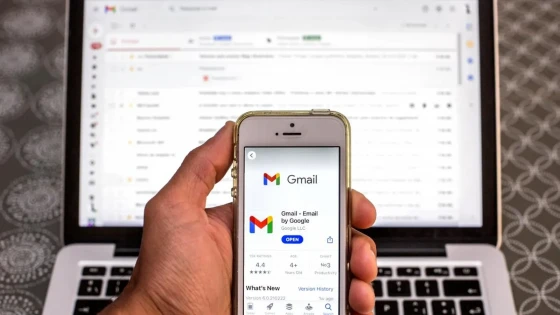
Starting today in the web version and in the coming days from the Android app, Gmail users will be able to block unwanted senders with a couple of clicks.
Emails that arrive from blocked addresses will go to the Spam folder, where they can also be accepted again in case the user changes their mind.
The possibility of blocking senders was available in Outlook.com and Yahoo! Mail for years. Google left that task to the filters that each user could create, something that seems not to be enough.
To block a sender in the web version of Gmail, you must enter the spam email and on the right side, in the More tab (the arrow pointing down), choose the Block option. The same must be done from the app, once the option is enabled.
Google said that blocking email addresses in Gmail will later come to iOS and the mobile version.
On the other hand, the Gmail app for Android will make it easier to unsubscribe from mailing lists, something for now reserved for the online version.
Google's decision then allows email to be managed more efficiently, regardless of whether the user connects from a computer or a mobile.
Updated on: 23/09/2015 00:00:00
Source of Information: Infobae Tecno

Sistemas a medida y Automatizaciones
Desarrollamos sistemas a medida que automatizan procesos, mejoran la gestión y te permiten escalar tu negocio con soluciones ágiles y flexibles.