Interface
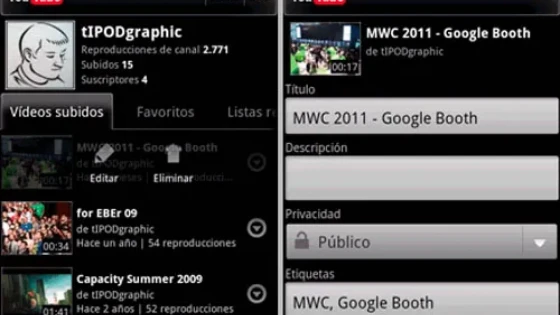
The interface, as Google is used to, is very sober, combining black buttons in gradient, tabs, and intuitive icons.
When watching a video, the information about it is below, but if horizontal scrolling is used, related videos and comments can be viewed in tabs.
Addition of the Google +1 Button
Now a video can be recommended by clicking on the +1 and it will automatically be published to our circles sharing it with our contacts, indicating the path to get to it.
Favorites
You can create a list where the videos we want to view are stored, it is a history similar to what is offered on the web version of the YouTube channel.
Menu Keys
Using the menu keys on the mobile device you can enter your channel, if you have it created, search for a video and even upload it from the mobile.
Upload Videos
You can upload a video and while editing its information, what you have to keep in mind is that you must use a Wi-Fi connection to do it.
Source of Information: Lionel Pairuna