At the beginning of 2015, WhatApp made the dream of many come true by introducing a function to make the service accessible from a computer. However, the joy was only on the side of Android, BlackBerry and Windows Phone users, the only platforms compatible so far with WhatApp Web.
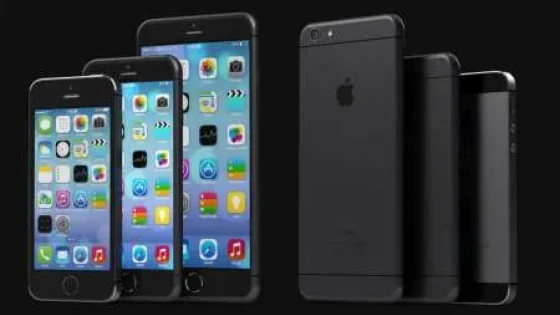
Today it is the turn of iPhone users, who will be able to access WhatsApp from their PC browser.
The update of the iPhone app that makes it possible to access the web version of WhatsApp will reach all users gradually.
WhatsApp Web is not independent but a "mirror" of what is happening on the smartphone, that is, to work it requires a phone connected to Wi-Fi or with an active data plan.
How to access?
To use WhatsApp from a computer:
- Enter the service page from a browser: https://web.whatsapp.com/
- A QR code will appear there which will serve to link the computer with the smartphone.
- From the phone you must open WhatsApp
- Enter Settings
- Enter WhatsApp Web
- Scan the code that appears on the PC screen.
You will also be able to enjoy the new features implemented in this new version.
And that's all, enjoy Whatsapp on the web!
Updated on: 27/08/2015 00:00:00
Source of Information: Diario Hoy

Posicionamiento SEO GEO
Optimizamos tu sitio web para que aparezca en los resultados de búsqueda y atraiga visitas de calidad, mejorando tu visibilidad online.