Viruses, spyware, financial scams and identity theft are some of the problems we can deal with if we are not clear about what actions can be risky when operating with our devices.
It is not necessary to become computer experts to be protected. By respecting certain principles of our security we will greatly reduce the risks of our accounts and devices being compromised.
Here are these security tips that every user should know and respect:
Different and secure keys for all services
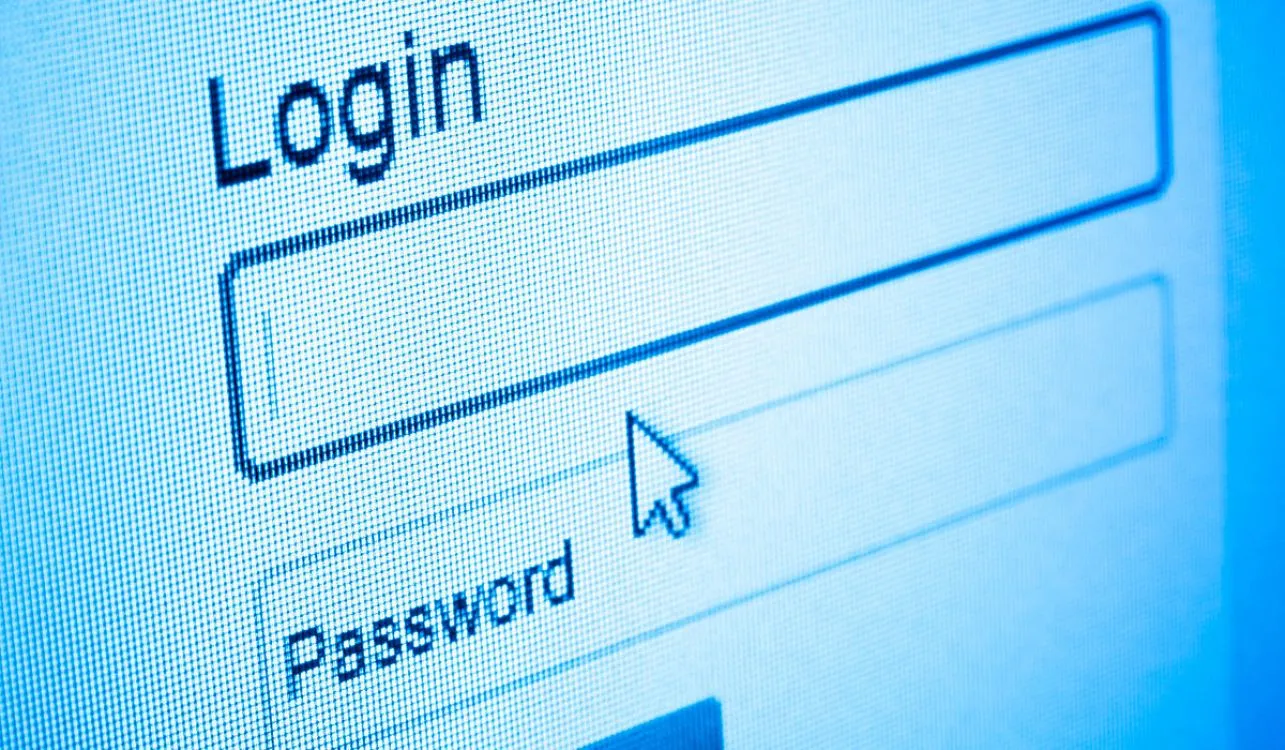
One of the first mistakes many users make is using the same password for all their accounts and devices.
You absolutely should not do this. Your password should be different everywhere and should always be a combination of lowercase letters, uppercase letters, numbers, and at least one symbol. We know it's tedious to remember them, but a good password makes the difference between whether or not a hacker can compromise your login details, whether on one of your devices or on an online site where you establish credentials.
You can see our Tutorial of good practices for creating passwords.
Security PIN, in Windows and on the smartphone
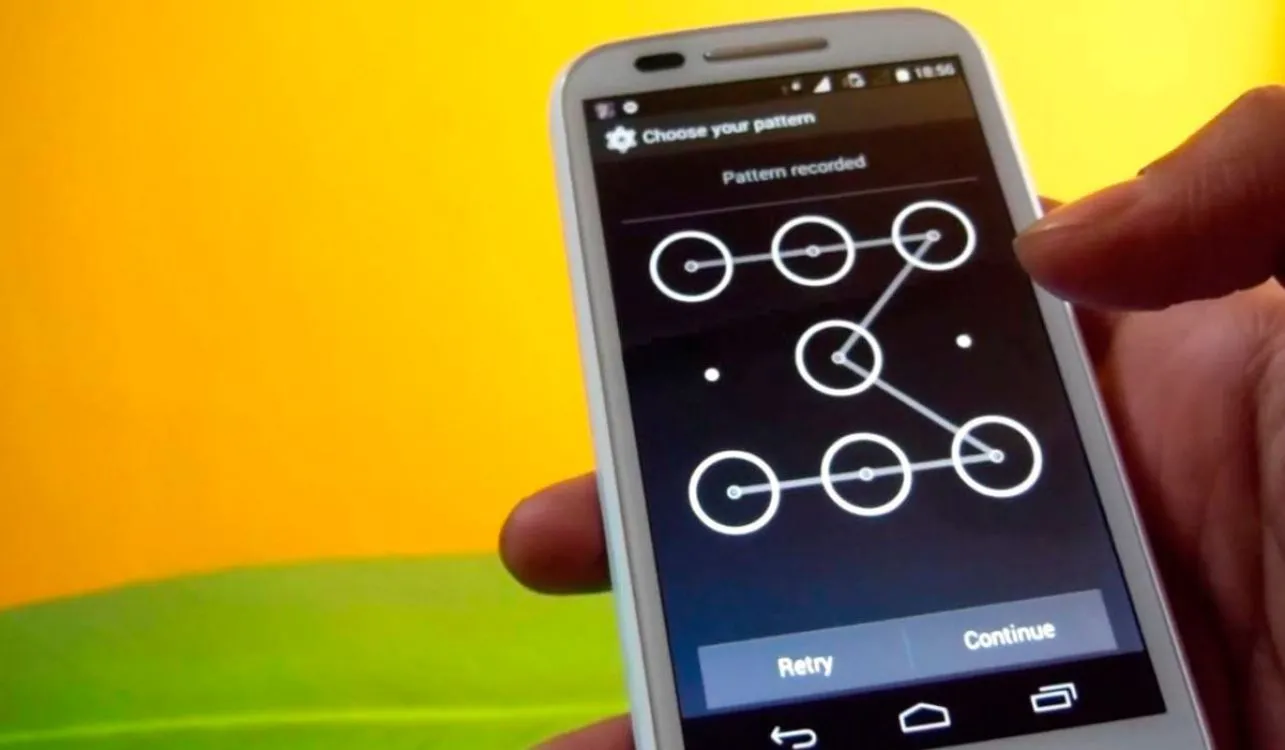
All smartphones have the ability to request a PIN or unlock pattern to access the device.
You should always configure these security mechanisms. Some devices even have a biometric reader that requires using a fingerprint to log in. If your smartphone, tablet or PC has one, do not hesitate to configure it.
Windows has supported setting a password for each account for years, you should also configure one, and ensure that each user at home has their own access.
Have an antivirus installed and updated

On the PC, having an antivirus is a first-level necessity. There are various free solutions for this purpose.
Avast and AVG are two of the best known, although ESET Antivirus and Bit Defender are other options you can try. On your smartphone (if you have Android) you can also install a protection app. They are not so recommended due to their impact on mobile performance, but if you are interested in protecting yourself from malicious apps it could be a good option to try one.
Never download files from unknown sites

Another of the big mistakes of novice users. When we browse the Internet we should not trust what we read on the screen.
Thousands and thousands of sites promise a specific download for a movie, song, application, book or program, but when you download the content and try to open it, these executables contain viruses and other threats, which the user, through ignorance, injects into the system. In addition to having an antivirus that analyzes all the applications you download, it is important that you learn not to trust what the website indicates, especially if it asks us to enter the cell phone number or intends to add extensions to the web browser.
Your bank will never ask you for information by email (no official entity)

Most Internet banking scams involve fake emails that users receive.
This type of threat implies that we receive an email that appears to come from our bank (it has the same logo and appears to be an official email) but within it we are warned that our account has been canceled or canceled, and that we must "click" to complete the data required by the entity. Users, frightened by the possibility of the bank canceling their accounts, click or respond by providing their private information. After obtaining it, attackers can steal money from savings accounts or even make use of the person's line of credit. You should NEVER follow a link in an email that appears to come from a bank or answer security questions by email. If you have any questions, always contact your bank and find out if the email is official.
Never download programs or apps for your smartphone outside of its official store

This problem mostly affects Android users, since this platform allows you to install applications downloaded from any source.
If you are not clear about what you are doing, you should always install apps directly from the official Play store found on your smartphone. Before downloading an app, you have the possibility to view the comments of other users and verify if its purpose is truly genuine. Many applications turn out to be scams, mainly those that imitate the functionality of another app or promise capabilities impossible for mobile software.
Be careful with the links that are sent to you through private messaging

Sometimes we receive chat messages from Facebook, WhatsApp or any other program that contains a link to click.
When it comes from a friend or family member, we believe it is a reliable conversation, but in reality our contact may be infected with a virus. Malicious programs, after injecting themselves into a system, try to reproduce themselves by sending copies to all contacts, which puts everyone's security at risk. If a contact sends you a link in a message, first talk to them and verify that he or she is really sending you this content.
Be careful with public wireless networks

When we are in a bar, restaurant, or any place where there is a public access WiFi point, we should limit the use of the connection to access information that is not relevant from our smartphone.
Unsecured chat apps and websites may be letting your information travel unencrypted over the wireless network, making it possible for an attacker to intercept that data. Speaking of WiFi networks in your home, you should always have a security key enabled to access the wireless connection. If the WiFi modem was given to you by your provider, consult support about this, they will be able to assist you and set a password if you don't have one.
Set up tracking on your mobile devices
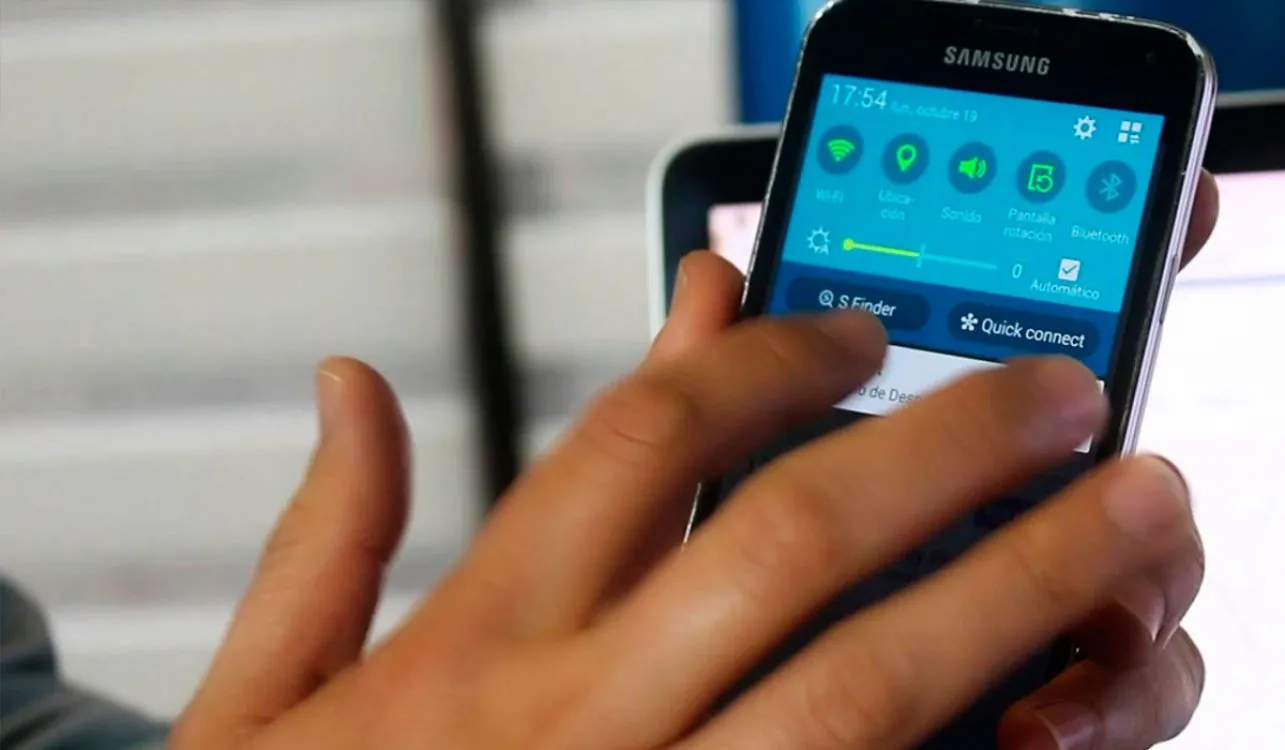
The modern smartphone contains so much of our information that it is vital to have the possibility of erasing the device remotely, or if the device detects that the owner cannot enter their password correctly.
Both Android, iOS, and Windows Phone can configure "find your phone" features. These functionalities allow us to track, block and completely erase our devices through the Internet. We should also establish a number of possible retries when entering the password incorrectly. If the device detects that the person cannot enter their PIN correctly, it will automatically delete the private data.
Always keep your equipment updated

Whether Windows on the PC or Android, iOS or Windows Phone on the smartphone, it is very important that you always have the latest version of the system available for your computer, as well as all the security updates.
Periodically, the manufacturers of different systems and applications release patches to correct security problems that are discovered over time. Not keeping your equipment updated can mean a serious security problem in the event of an Internet attack.
What do you think? Could you offer your advice?
Updated on: 12/12/2015 00:00:00
Source of Information: Rodrigo Cañas para SoyTecno
Disclaimer: The information presented does not constitute financial, investment, commercial or other advice and is solely the opinion of the writer. By using the information on this site, you agree that we are not responsible for losses, damages or injuries arising from the use or interpretation of the information.

Soporte Web y mantenimiento
Nos encargamos de mantener tu sitio web o sistema actualizados, seguros y funcionando correctamente.