
Currently, just as the vast majority of society has a cell phone and this technological evolution continues to increase, reports and episodes of thefts also increase per day. In Argentina, it is estimated that there are more than 7,000 cell phone thefts per day.
This is why we provide you with useful information so that, in the event of a theft, your cell phone can no longer be used.
Steps to follow
In case your cell phone is stolen, the first step is to do the complaint to the company that provides the telephone service so that it blocks the line (SIM) and the equipment (IMEI).
In this way, the phone can no longer be used to make calls, send messages or use data to connect to the network. In addition, the device will immediately enter a blacklist and can no longer be reactivated within the country.
This possibility of blocking and disabling the phone arises from the implementation of a system that allows all telephone companies in the country to share information about stolen devices.
In fact, before buying a second-hand device you must enter the Enacom site, and enter the number in the search engine. IMEI, which is obtained by dialing *#06# from the mobile. This way, you can know if it is a stolen or locked phone.
Android devices
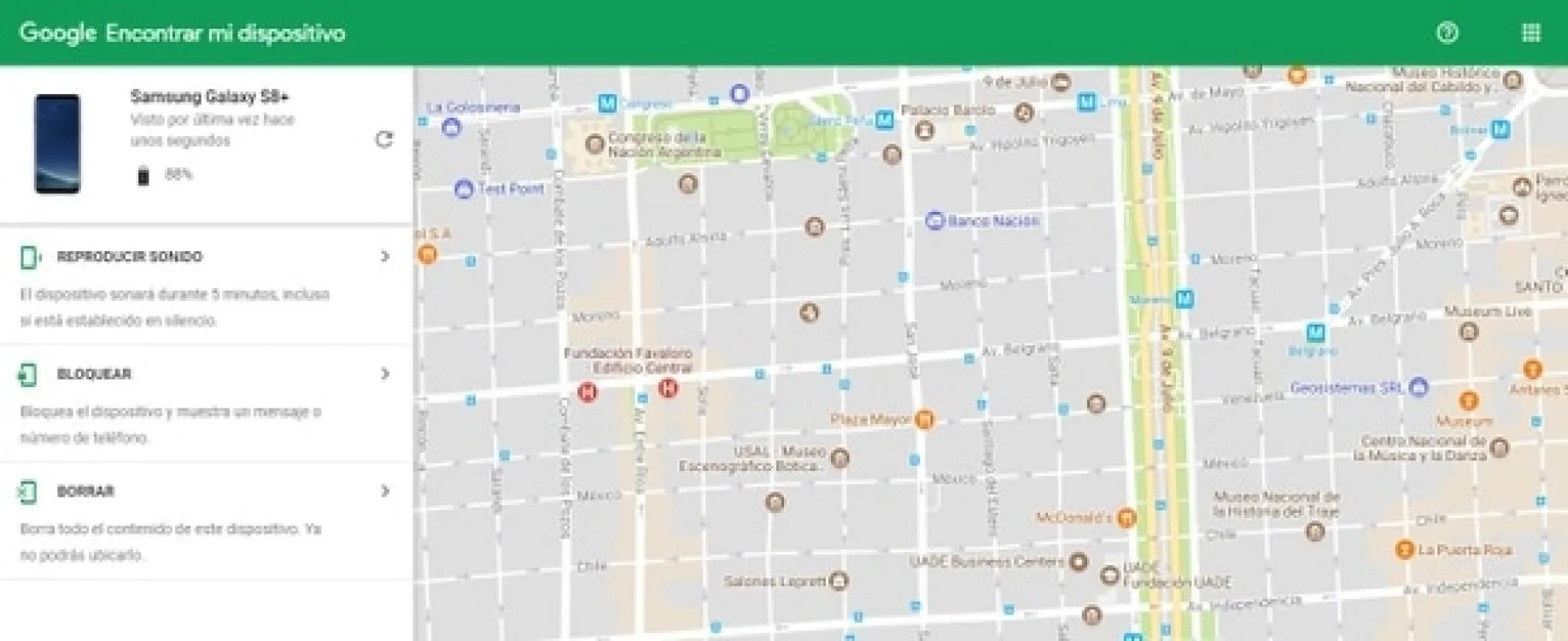
Most cell phones run on the Android platform.
- To track the device you have to write in the Google search engine "Where is my cell phone/mobile phone?" and a map will automatically be displayed with the location of the device. Another option is to enter Find my device from the browser and you will also see the map with the location of the mobile. It should be noted that if the cell phone is turned off, it cannot be tracked.
- There are three alternatives: Play sound, so that the device rings for five minutes even when it is silent; If you choose this alternative, the device can no longer be located.
- Samsung phones have a special tool called Find my mobile. For it to work, a Samsung account must be enabled and the device must be connected to it.
- To locate the phone you must enter Find my mobile, connect with the account and then select Locate my device. Just as in the case of Google tracking, you can block the cell phone, delete the data and make it ring.
IPhone devices
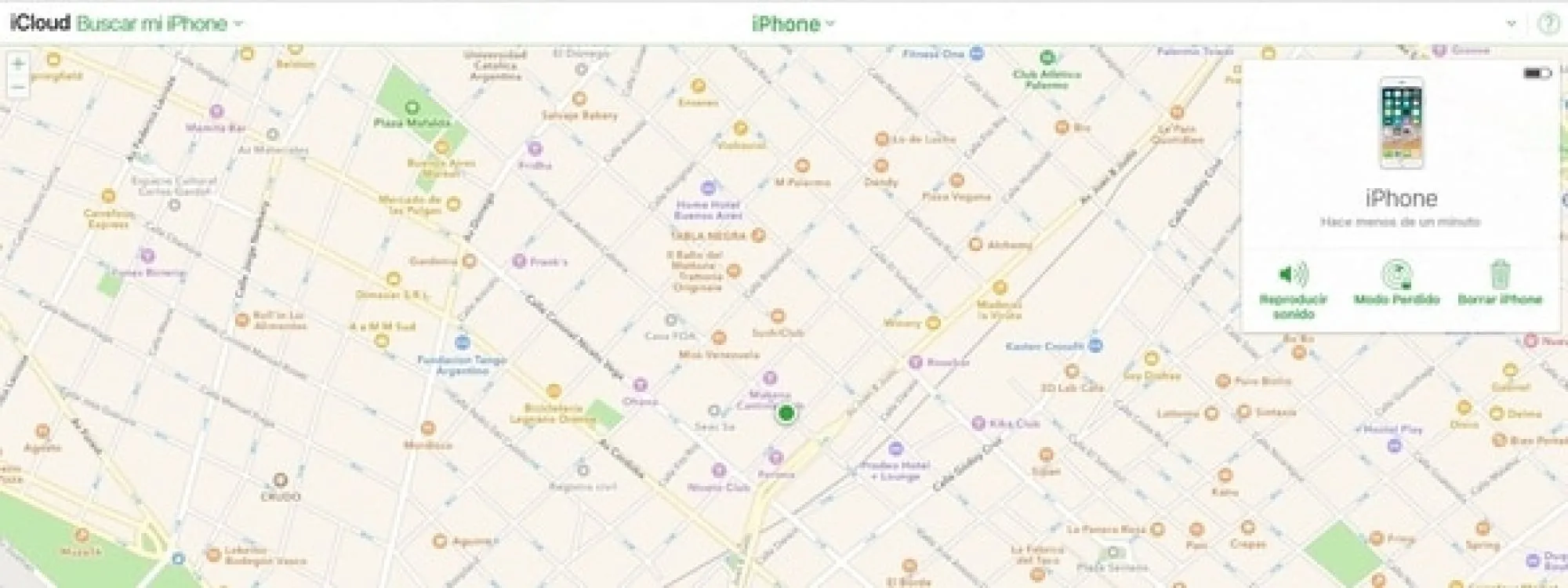
The apple brand has its own software with which to search for devices
- The first step is to log in to iCloud, and at the bottom of the page click on Find my iPhone. Once there, go to All devices and choose the one you want to locate.
- You will see three options: Play sound, Erase iPhone and Lost mode. This last alternative allows you to lock the device and see its location.
- With the option to Erase iPhone all data will be deleted, just as it is done on Android. Once this option is activated, the device can no longer be located.
Tips for taking care of your cell phone
Keep your phone synchronized with iCloud or a Gmail account. This way, you ensure you have a cloud backup of your contacts, photos, and videos. This allows you to recover all that information when you get a new device.
Use a screen lock system, such as a pattern, PIN, fingerprint, iris recognition, or facial recognition (the latter is available from Android 4.0 onwards).
Updated on: 11/10/2018 00:00:00
Disclaimer: The information presented does not constitute financial, investment, commercial or other advice and is solely the opinion of the writer. By using the information on this site, you agree that we are not responsible for losses, damages or injuries arising from the use or interpretation of the information.

Soporte Web y mantenimiento
Nos encargamos de mantener tu sitio web o sistema actualizados, seguros y funcionando correctamente.